Journal / Daily Notes
The Journal provides daily notes — automatically created pages for each day.
Opening the Journal
Click Journal in the sidebar or navigate to /journal.
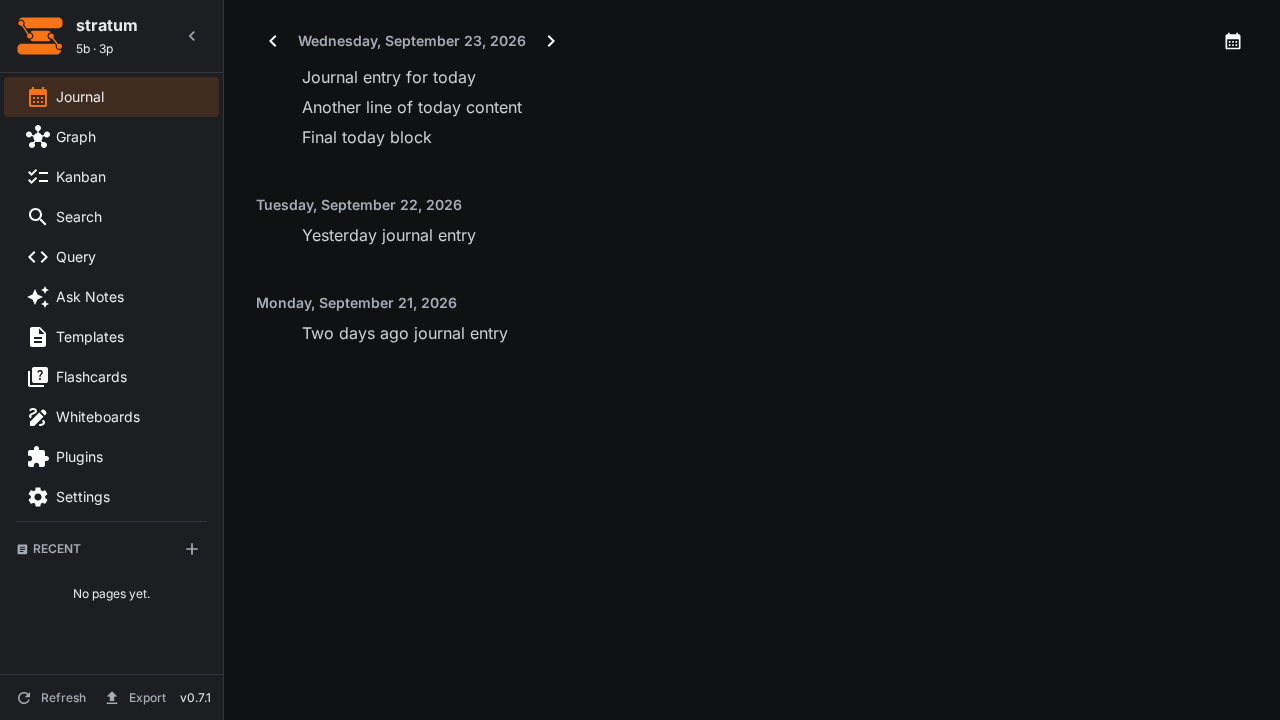
At the top of the panel you'll find the date header with Previous/Next day arrows for quick navigation between entries. Click the date text to open a calendar popup for jumping to any specific date.
Mobile
Journal is fully available on mobile (Android/iOS and small browser viewports). All desktop controls are present:
- Previous/Next day arrows at the top of the panel work exactly as on desktop.
- The date header opens the calendar. On mobile the calendar renders as a full-screen dialog (rather than the desktop popup) to provide larger touch targets and focused navigation — this is an intentional, documented deviation; the calendar logic is shared.
- The entry stack scrolls inside the panel; older entries load as you scroll, matching desktop behavior.
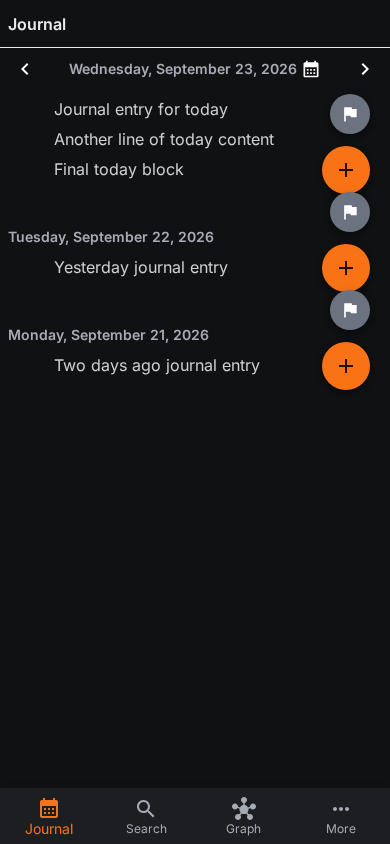
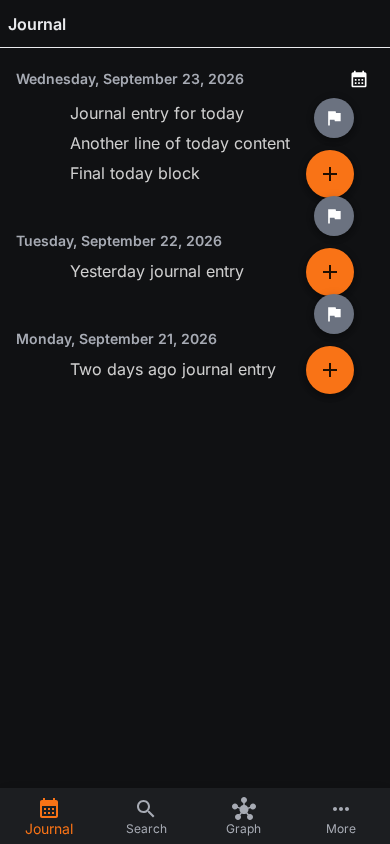
- Row actions: each journal row (the in-place editors for today and past days) shows a single ⋮ action button pinned in the row's top-right corner (invisible except on the row itself; 40px touch target). It opens one menu with Insert (paragraph / heading 1–3 / code / mermaid / math) and Marker (TODO/DOING/DONE/NOW/LATER/WAITING/CANCELLED) options. The full-page editor (opened from a page, e.g. via search) keeps its two floating +/flag buttons instead — the journal intentionally uses the per-row button because floating FABs overflow the compact journal rows and overlap the date headers/text (bug fix t_1100de53).
- Long-press a block to open the context menu (cut / copy / read aloud / delete), same as on desktop.
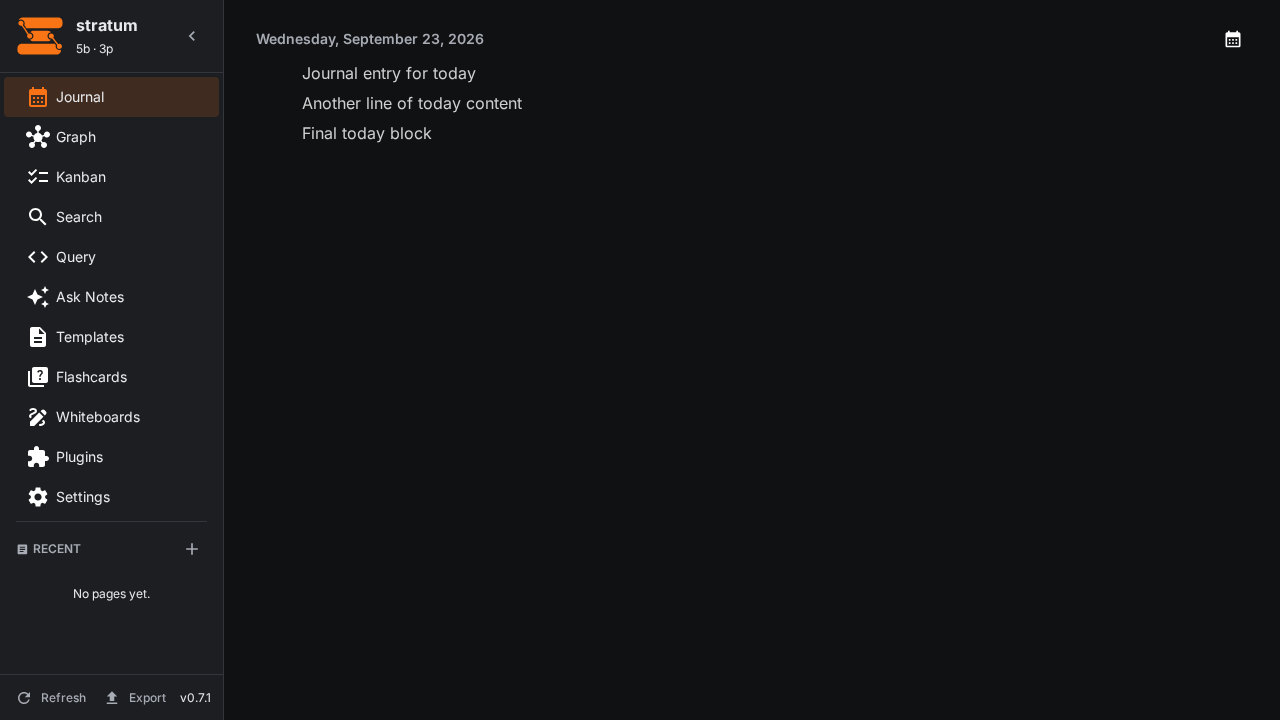
Parity screenshots: after (mobile), before (mobile), after (desktop), before (desktop).
How it Works
- Each day gets its own page at
journals/YYYY-MM-DD.md - The journal auto-opens to today's date
- Multiple recent days are shown as stacked editors — scroll down to see previous entries, each loaded lazily as you scroll
- Use the Previous/Next day arrows at the top of the panel to jump between dates
- Click the date header to open the calendar popup for direct date navigation
- Journal pages are normal
.mdfiles — they appear in search, graph, and backlinks - Journal content is always loaded from your current
.mdfiles — switching between the journal and other pages always shows the latest content, with no app restart required - If a journal page ever fails to load its content, use the Repair database action shown in the journal error state (or Settings → Developer → Repair DB from disk)
Calendar Navigation
The calendar popup gives you a visual overview of your journal activity. To open it, click the date text or calendar icon in the panel header.
- Dates with entries are highlighted, so you can see at a glance which days have notes
- Click any date to navigate directly to that day's journal
- Previous/Next month arrows let you browse across months
- Close the popup by clicking outside it or pressing Escape
The calendar works alongside the stacked editor view — opening a date scrolls the stack to show that entry, or creates a new one if it doesn't exist yet.
Creating Journal Entries
Journal pages are just block editors like any other page. Start typing to write:
# Standup

TODO Review PR #42
DOING Documentation rewrite
DONE Database migration

## Notes

Investigated the indexing performance issue.
Root cause: Tantivy segment merge scheduling.
See [[Indexing Performance]] for details.
Journal Workflow
Morning Pages
Use the journal for daily standups, morning pages, or free writing. Wiki-link to project pages for context:
Worked on [[Block Editor]] improvements.
Need to fix the drag-and-drop reordering for deeply nested blocks.
Meeting Notes
Create a journal entry during meetings, then link to detailed notes:
Met with team about [[Sprint 24 Planning]].
Key decisions: use [[Tantivy 0.22]] for search indexing.
Capture and Process
Use the journal to quickly capture thoughts, then process them into proper pages:
- Write freely in the journal
- Later, extract sections into dedicated pages
- Link back from the new page to the journal entry
Voice Capture (One-Tap)
On the journal panel you'll find a voice-capture control: a round microphone button (bottom-right on mobile) or a "Record voice memo" button in the header (desktop). It records straight into today's journal using the same dictation pipeline described in Voice Dictation:
- Tap to record — a timer shows the recording duration.
- Tap again to stop & save (or cancel to discard) — the memo is transcribed, summarized, and inserted at the end of today's journal as a structured voice memo.
- If transcription can't be reached, the recording is never lost: a placeholder block referencing the saved clip is inserted and a Retry transcription action is shown.
- If no transcription endpoint is configured, the recording is still saved and a Configure STT prompt links you to Settings → AI.
The one-tap button can be disabled (or re-enabled) under Settings → AI → Voice-Capture Button (the AI accordion on mobile).
Journal File Format
Journal pages follow the same format as all other pages — plain Markdown with optional frontmatter:
Tips
- Use tags like
#standupor#meetingin journal entries for easy searching - The journal is great for temporary notes that don't need their own page yet
- Old journals are automatically indexed and searchable